
Installation & Setup
Install Alibi on macOS
Alibi is a single app in a disk image. Three steps and it is in your Applications folder.
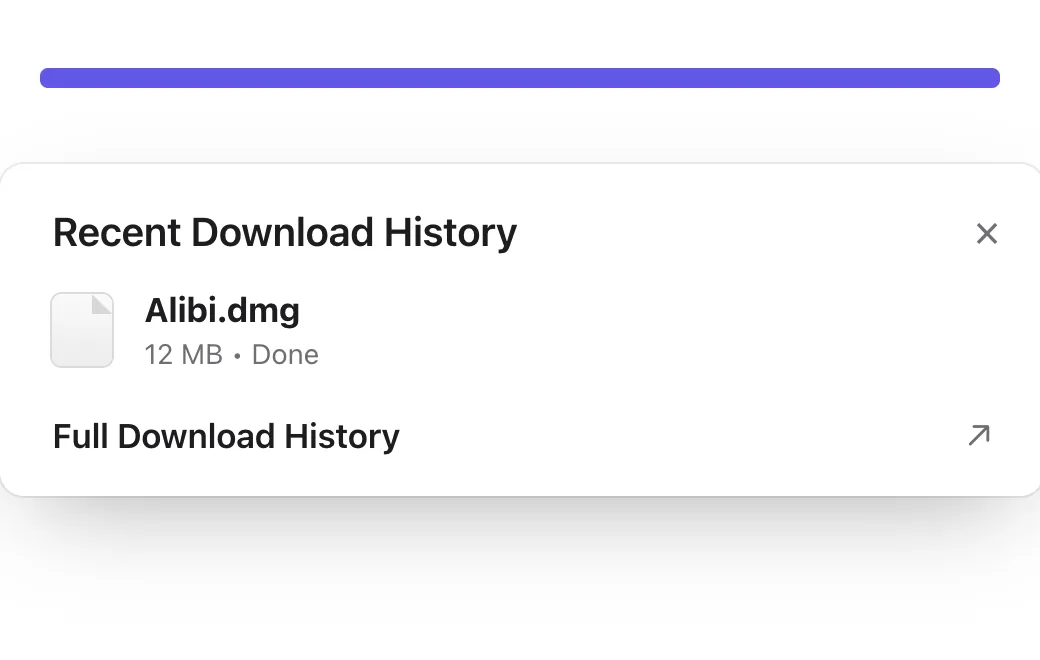
Download Alibi.dmg and open it from your Downloads folder.
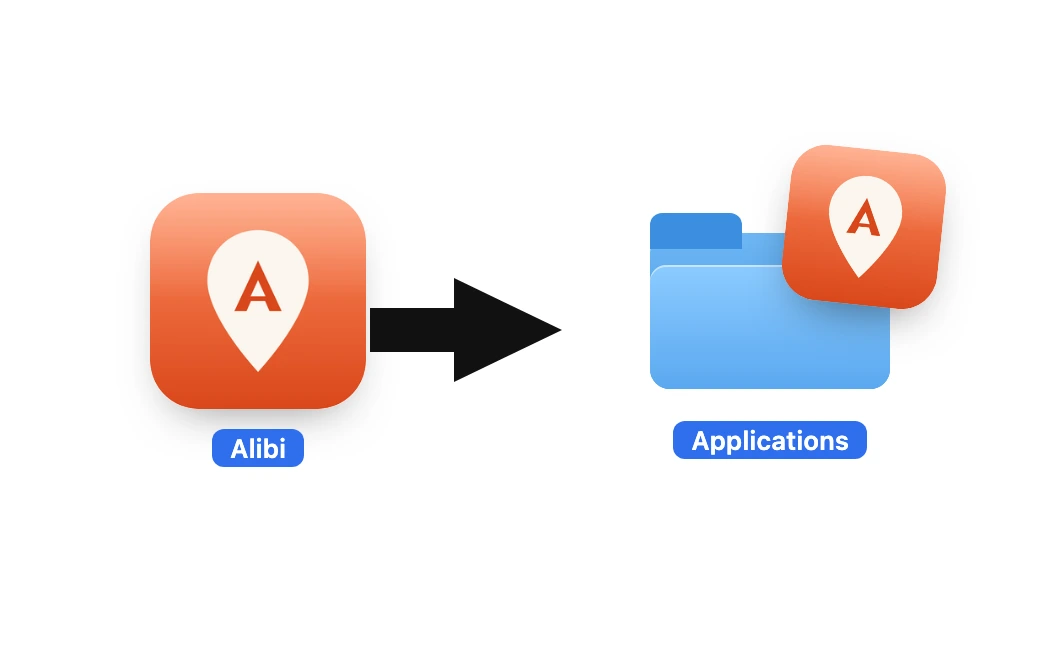
Drag the Alibi icon into the Applications folder shown next to it.
Open Alibi from Applications. The first time, macOS says it could not verify Alibi. Click Done, open System Settings › Privacy & Security, scroll to the Security section and click Open Anyway, then confirm. Alibi is signed but not notarized with Apple, so this happens once per download. If you would rather skip the prompt, run this in Terminal after step 2:
xattr -cr /Applications/Alibi.app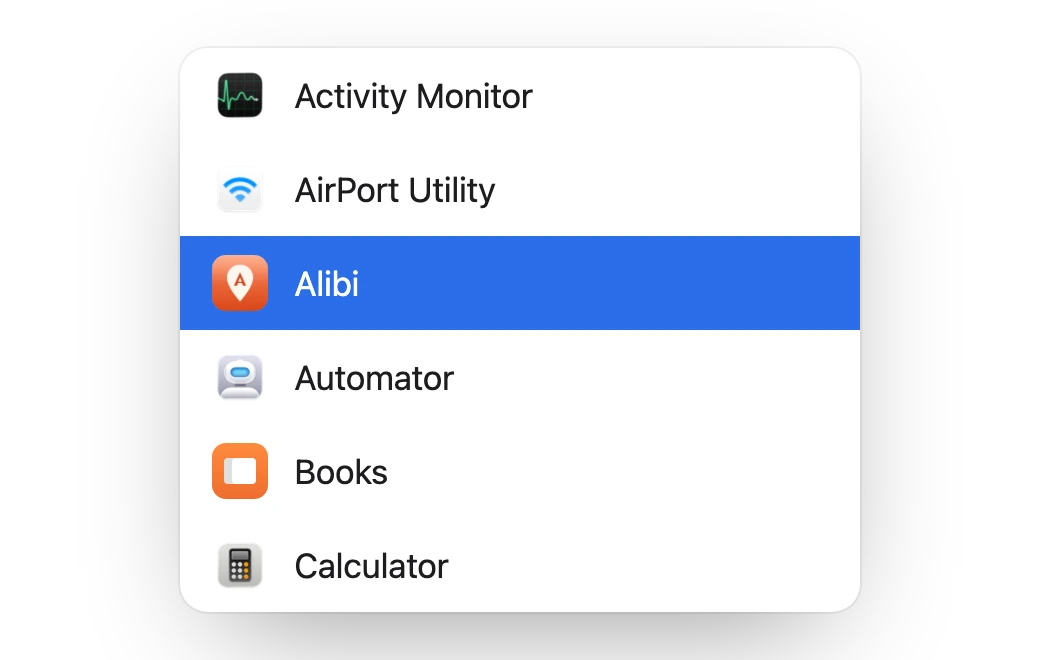
“Alibi is damaged and can’t be opened”? That was a bad build (0.1.0), not your Mac. Eject the disk image, download Alibi.dmg again and repeat the steps; 0.1.1 and later open the normal way.
Next, set up your iPhone.